
Two people take calls for the same hall. One writes "Sharma, 14 Dec, evening" in the register at the front desk. The other confirms a birthday party for the same evening on WhatsApp while visiting a caterer. Nobody notices until the 13th, when one family has printed cards and the other has paid an advance. However you settle it, you lose money and a customer.
The cause is rarely carelessness. It is that the truth about your dates lives in several places at once: a register, a diary, two phones and somebody's memory. This post covers what a single calendar changes, how conflict detection works in Kaliquid, and the habits that keep it reliable.
Why double bookings keep happening
A double booking is the result of two records that never met. The usual ways that happens:
- More than one place to write a booking. A register at the desk, a diary with the owner, a notes app on the manager's phone.
- Tentative dates that look confirmed. "Hold it for me till Sunday" gets written down the same way as a paid booking, and nobody goes back to clear it.
- Shifts that are not recorded. A hall with a lunch and a dinner slot gets booked as "14 Dec" instead of "14 Dec, dinner", so a second enquiry for the same day looks free or looks taken when it is not.
- Cancellations that stay on paper. The date remains crossed out in one book and clean in another.
- Several halls, one register. When you add a lawn or a second hall, the register cannot show which space is taken.
Each of these is a record-keeping problem, and record-keeping problems are fixed by changing where the record lives.
One calendar, one truth
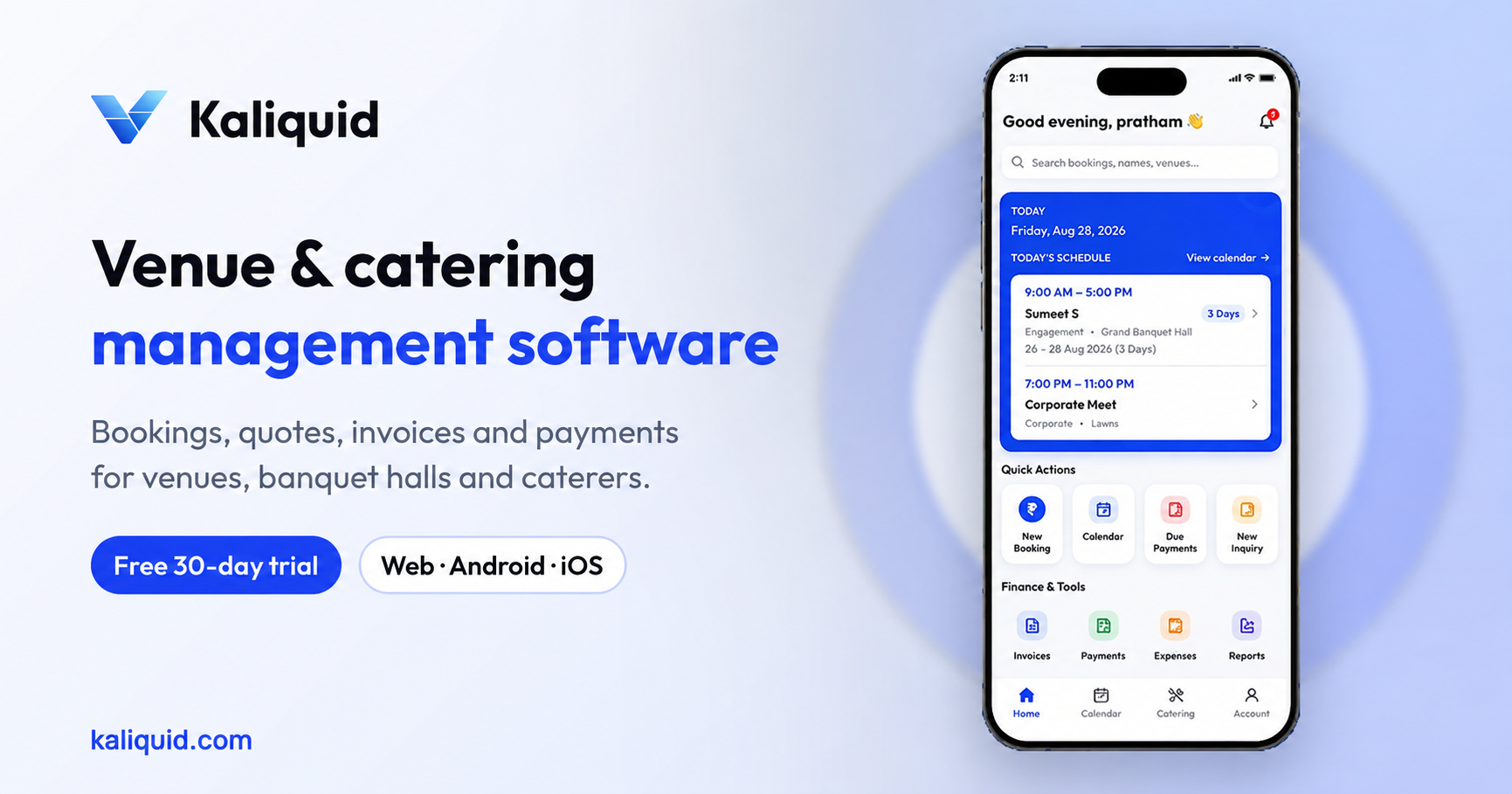
In Kaliquid every booking is created through New Booking, and it lands on one calendar that everyone on your team works from. The booking carries the details that matter for scheduling:
- the customer's name and mobile number
- the event type, date and time
- the venue or hall, if you run more than one
- the number of guests
- catering choices, if you offer catering
- the total amount, advance paid and balance
Because the date, the time and the hall are part of the same record, "Is the 14th free?" has one answer. The owner at home, the manager at the desk and a coordinator on a site visit all see the same calendar from the Android app, the iPhone app or the web app.
How conflict detection works
When someone tries to create a booking for a date and slot that is already taken, Kaliquid warns them before the booking is saved. The person creating it sees that the slot is occupied and has to decide what to do, instead of quietly writing a second booking over the first.
That check changes the conversation at the desk. Instead of "I think the 14th is free, let me confirm", the coordinator can say "The 14th evening is booked, but the 15th evening and the 14th lunch are open." Offering an alternative on the spot often keeps an enquiry that would otherwise go to the venue down the road.
A few practical points about getting the most from it:
- Record the time, not just the date. If you sell lunch and dinner separately, enter the event time on every booking. The warning can only protect slots that are recorded properly.
- Book against the right hall. If you have two halls or a hall and a lawn, choose the venue on each booking so one space being taken does not block the other.
- Keep enquiries separate from bookings. Use inquiry management for people who are still deciding, and convert the inquiry into a booking when they commit. Your calendar then shows real commitments, and your enquiry list shows who to follow up.
Build a booking routine around the calendar
Software does not fix a process that nobody follows. These are the habits we recommend:
Make the calendar the only place bookings are created
Retire the register, or keep it only as a printed copy of the calendar. If a manager takes a booking on the phone at a wedding, they create it in the app there and then, not in a notebook to be copied later. Copies are where dates go missing.
Decide who can confirm
Not everybody who answers the phone should be able to confirm a date. Give the front desk permission to record enquiries and bookings, and keep payment and report access for the people who need it. Kaliquid supports Full Access, Limited Access and Custom Permissions by module; our guide to staff roles and permissions walks through a sensible setup.
Confirm with an advance, then share the booking
A date is only confirmed when the advance is recorded. Enter it in the payment details of the booking so the balance is calculated for you, then share the booking summary with the customer as a PDF or as WhatsApp text. The customer has the same record you do, which prevents "but you told me the lawn was included" later.
Review the week ahead every Monday
Open the next seven days with your manager and check guest counts, times and balances. Event-prep and due-date notifications help, but a five-minute review catches what only people notice, like a decorator who needs the hall two hours early.
What changes when the calendar is central
Here is how the work looks before and after a single calendar with conflict warnings:
- Checking availability: before, someone phones the owner or flips through the register. After, anyone on the team opens the calendar on their phone.
- Taking a booking: before, it is written in whichever book is nearest. After, it is created once, against a specific hall, date and time.
- Clashes: before, you discover them close to the event. After, you are warned when the second booking is being created.
- Tentative interest: before, holds look like bookings. After, enquiries sit in inquiry management until they convert.
Getting started
You can sign up with Google or email, set up your business profile, add your first venue and create a booking in one sitting. The built-in assistant guides you through the screens the first time. Add the halls you run, enter your upcoming bookings, invite your team, and from that day the calendar is the only place dates are written.
Kaliquid's Pro plan is ₹999 per hall per month, or ₹750 per month when billed yearly. Groups running several venues can ask about Enterprise pricing.
Start your 30-day free trial at kaliquid.com.
Frequently Asked Questions
What is conflict detection in venue booking software?
Conflict detection is a check that runs when a booking is being created. If the date and slot for that hall is already booked, the software warns the person entering it before anything is saved. In Kaliquid that means a second booking cannot quietly replace or sit on top of the first; someone has to notice the clash and decide what to offer the customer instead.
Can Kaliquid handle lunch and dinner slots on the same day?
Yes, as long as the event time is entered on each booking. The date, time and venue together describe the slot. If your hall runs a lunch function and a dinner function on the same day, record both with their times, and the calendar will show the day as having two bookings rather than being fully free or fully blocked.
How should we record customers who have not paid an advance yet?
Record them as enquiries, not bookings. Kaliquid's inquiry management keeps interested customers in one list with their details, and you convert an inquiry into a booking once they pay. This keeps the calendar honest: every booking on it is a real commitment, and your team can see at a glance who still needs a follow-up call.
Do all staff need to use the app for this to work?
Anyone who takes bookings should create them in Kaliquid, because a booking that lives only in a notebook cannot trigger a conflict warning. Staff who do not take bookings can have limited access to view the calendar and event details, so kitchen, decor and floor teams know what is coming without being able to change payments or reports.
Does Kaliquid work for more than one hall?
Yes. You can add multiple venues and assign each booking to a specific hall, so one space being booked does not block another. You can also assign managers to particular halls. For owners growing to several properties, our post on managing multiple halls covers the setup in more detail.
Kaliquid
Venue, banquet and catering management software used by venue teams. kaliquid.com · Google Play · App Store
© 2026 Kaliquid All rights reserved.