
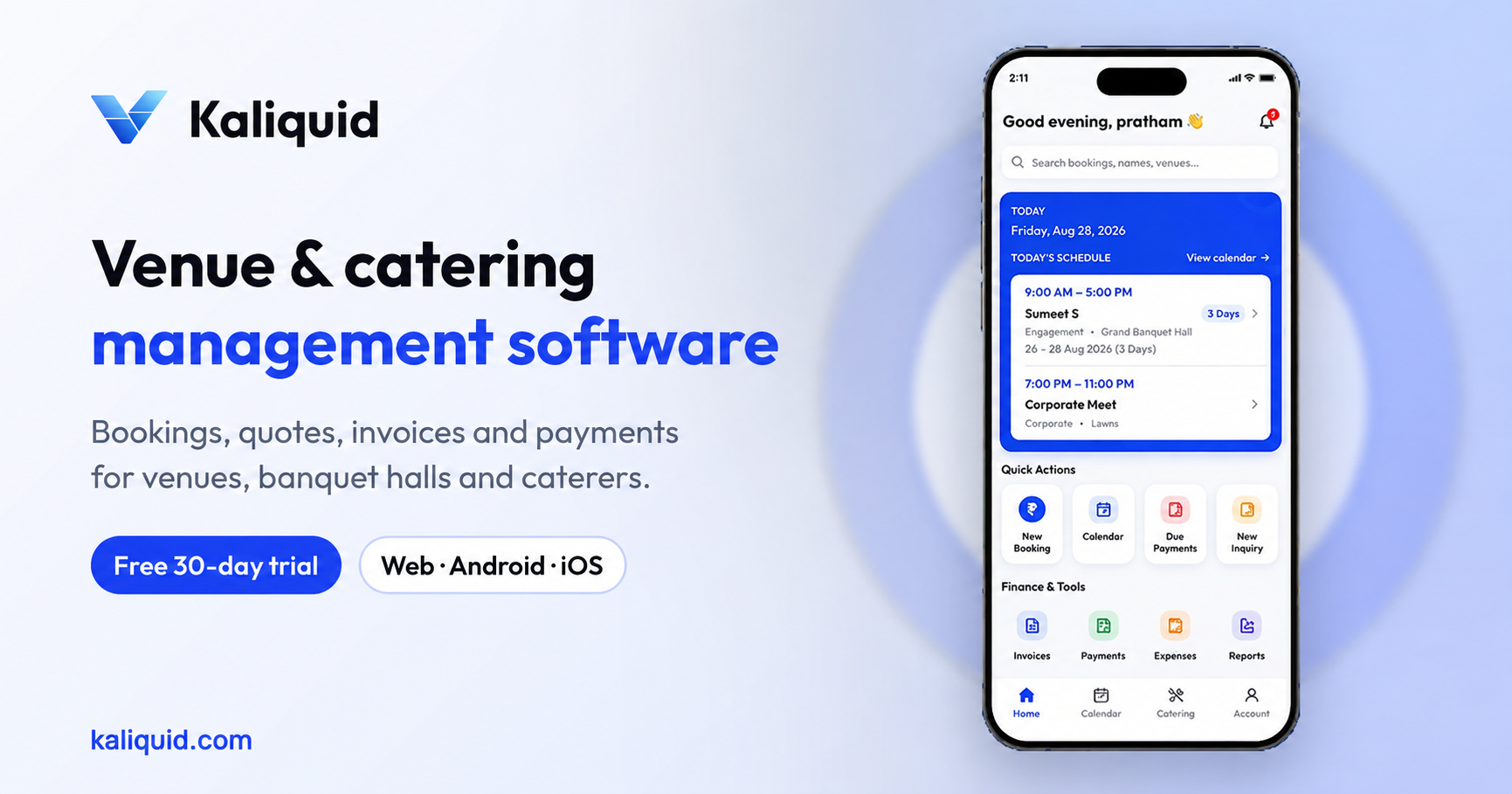
Ask any hall owner what they dislike about running the business and the answer is rarely the events. It is the paperwork after them. Every booking produces an advance, a few part payments, a final bill with GST, and an entry your accountant needs in Tally at the end of the month. Done by hand, that chain breaks in predictable places.
This guide walks through a finance routine for a banquet hall that keeps invoices correct and Tally up to date, and shows which parts Kaliquid handles for you. The steps work even if you use a different system, so treat them as a checklist first.
Where manual hall accounting goes wrong
The same few problems come up in almost every hall that runs on registers and spreadsheets:
- An advance is noted in a diary or a WhatsApp chat and never makes it onto the bill
- The final invoice is typed from memory, so line items and tax amounts do not match what was quoted
- CGST and SGST are calculated on a phone calculator and rounded differently each time
- The accountant receives a pile of bills at month-end and retypes every one into Tally
- Nobody can say, on a given day, how much is still due from events already held
None of these are big mistakes on their own. Together they cost hours every week and create the kind of mismatches that are painful to explain when your CA asks questions.
Step 1: Record every payment against its booking
The routine starts the moment a family pays a token. In Kaliquid, payment details sit inside the booking itself: total amount, advance received, remaining balance, payment method and remarks. Each later payment is added to the same booking, so the balance updates on its own and the payment history shows every rupee with its date and mode.
If you take a refundable deposit, record it as a payment with a clear remark, for example "security deposit, refundable after event". Keeping the remark consistent makes it easy to find later.
A practical rule we recommend: nobody leaves the desk after receiving money until it is entered. It takes less than a minute, and it is the single habit that keeps the rest of this routine accurate.
Step 2: Generate the invoice from the booking, not from memory
When the event is done, create the invoice from the booking's own details. Invoice management in Kaliquid lets you generate an invoice, view previous ones, edit if something changed, and print or download it. CGST and SGST are shown on the invoice, so the client and your accountant see the tax split clearly.
Use the right rate for what you are billing. As a general guide, a hall and food package sold together at an ordinary venue is taxed at 5% without input tax credit, pure hall rental with no food from the venue is 18%, and decor or DJ services billed separately are 18%. Confirm your own case with your CA before you set up your templates, because the mix of services changes the answer.
Step 3: Brand your documents once
Receipts and terms and conditions carry your hall's branding and your own terms. Set this up once: logo, address, GSTIN, cancellation terms, overtime charges. After that, every receipt and invoice that goes to a family looks the same and states the same rules, which reduces arguments at settlement time.
If you need a starting layout, our free GST invoice format and banquet hall bill format show the fields an Indian invoice should carry.
Step 4: Follow up dues before the event, not after
Money is easiest to collect before the event. Kaliquid's due-date and overdue alerts flag balances that are coming due or already late, and payment management lists pending balances booking by booking. Make it a Monday habit: open the pending list, call or message the families whose events are in the next two weeks, and record whatever comes in.
Step 5: Export to Tally instead of retyping
At month-end, export your financial and invoice data to Tally. Your accountant imports it instead of typing each bill again, which removes a whole class of transcription errors, like a wrong amount or a swapped client name. Agree the export date with your accountant, for example the third working day of every month, so they know when to expect it.
Step 6: Review the numbers weekly
Reports in Kaliquid cover bookings, revenue and quick insights. Ten minutes a week is enough to spot problems early: a month with strong bookings but weak collections, or a hall that is booked less than the others. You do not need a finance degree for this, only a fixed time slot and the discipline to look.
A weekly finance routine for a hall
Here is the whole routine in one place:
- Every payment: record it in the booking before the client leaves
- After every event: generate the invoice from the booking, check the tax lines, share it
- Every Monday: review pending balances and chase dues for upcoming events
- Every Friday: glance at the revenue and bookings report
- Month-end: export to Tally and send the file to your accountant
Manual versus automated, honestly
A register and an Excel sheet can work for a very small hall with a few events a month and one person taking payments. Once there are several staff, more than one hall, or a busy wedding season, the gaps show up: missed advances, invoices that do not match quotes, and month-ends spent retyping. That is the point where a system pays for itself in hours saved.
Kaliquid Pro costs Rs 999 per hall per month, or Rs 750 per month billed yearly. Enterprise pricing is available for groups.
Start your 30-day free trial at kaliquid.com.
Frequently Asked Questions
Does Kaliquid show CGST and SGST on invoices?
Yes. Invoices show the CGST and SGST split. You can generate, view, edit, print and download invoices from invoice management. Set your rates carefully and confirm the correct rate for your services with your CA.
Can I export my data to Tally?
Yes. Kaliquid exports financial and invoice data to Tally so your accountant can import it rather than retyping each bill.
How do I track advances and part payments?
Each booking holds the total amount, advance, remaining balance, payment method and remarks. Every later payment is added to the same booking, and payment management shows received payments, pending balances and full payment history.
How should I handle a security deposit?
Record it as a payment on the booking with a clear remark such as "refundable security deposit", so it is easy to identify when the event is over and you settle with the family.
Will Kaliquid remind me about pending payments?
Kaliquid sends due-date and overdue alerts for bookings with pending balances, and payment management lists every pending amount so you can follow up before the event.
Kaliquid
Venue, banquet and catering management software used by venue teams. kaliquid.com · Google Play · App Store
© 2026 Kaliquid All rights reserved.